Getting started with cryptocurrency involves more than choosing a wallet or creating an exchange account. You may also need to protect passwords, devices, recovery information, and transaction approvals. Understanding these basics can help beginners recognise some common risks before acting.
This guide shares 16 practical crypto security tips for beginners. It explains the difference between self-custody and custodial services, how to protect wallet access, what to check before a transaction, and how to respond if an account or wallet may be compromised. Wallets and networks vary, so verify product-specific instructions through official documentation.
- Crypto security basics for beginners
- 16 practical crypto security tips
- A simple transaction safety routine
- Scam and phishing warning signs
- What to do if something may be compromised
- Quick crypto security checklist
- Frequently asked questions
- Interactive security planner
- Printable 10-section planning workbook
Crypto Security Basics for Beginners
Cryptocurrency is recorded on a blockchain. A wallet generally helps manage the keys or account access used to receive, view, or authorise transactions; it does not work exactly like a folder that stores ordinary files. The precise wallet design depends on the product and network.
- Public address: An address may be shared to receive assets. On many public blockchains, transactions associated with an address can also be visible to others.
- Private key: A secret used in a wallet system to authorise transactions. Keep it private.
- Recovery or seed phrase: A phrase that may restore access to accounts in some self-custody wallets. It is highly sensitive and should not be disclosed to another person or entered on an unverified website.
- Self-custody wallet: You manage the keys or recovery process. This brings additional responsibility for protecting access and backups.
- Custodial account: A provider manages the underlying keys or access arrangement. You still need to protect your account, linked email, and recovery methods and understand the provider’s policies.
No wallet, device, password, or checklist removes every risk. A reasonable starting point is to understand who controls access, protect the accounts and devices involved, and pause before approving a transaction you do not understand.
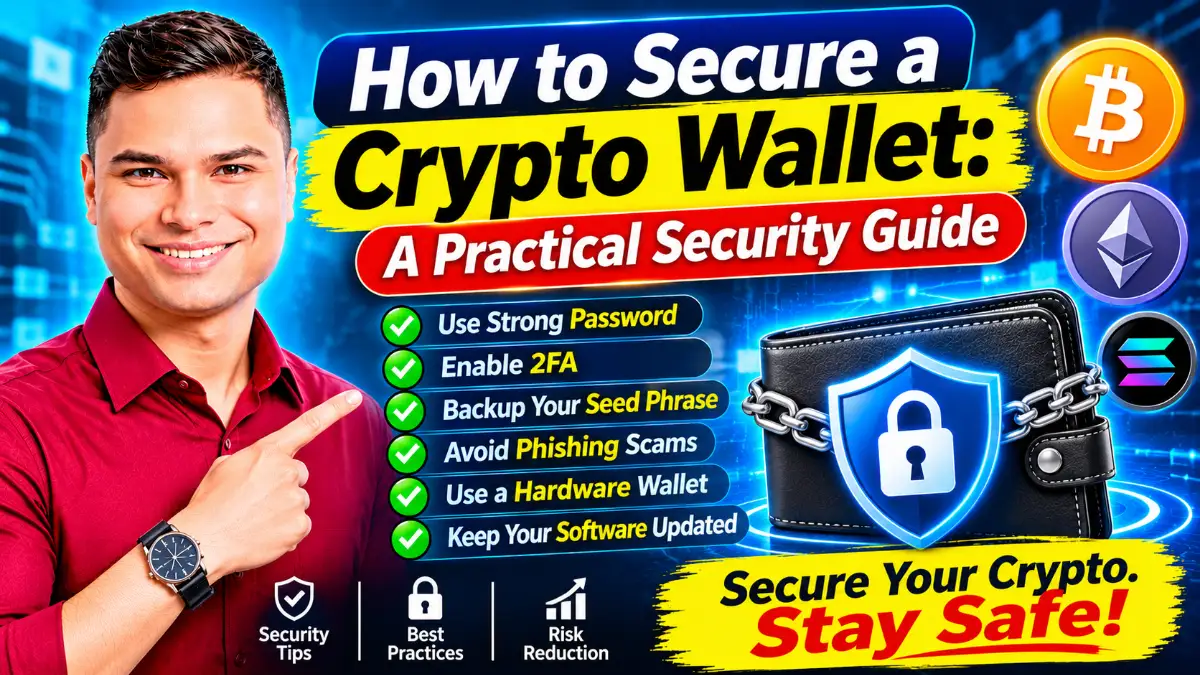
16 Practical Crypto Security Tips for Beginners
These tips are general precautions, not a promise that a wallet or transaction is safe. Adapt them to the wallet, service, device, and network you use.
Wallets, Passwords, and Accounts
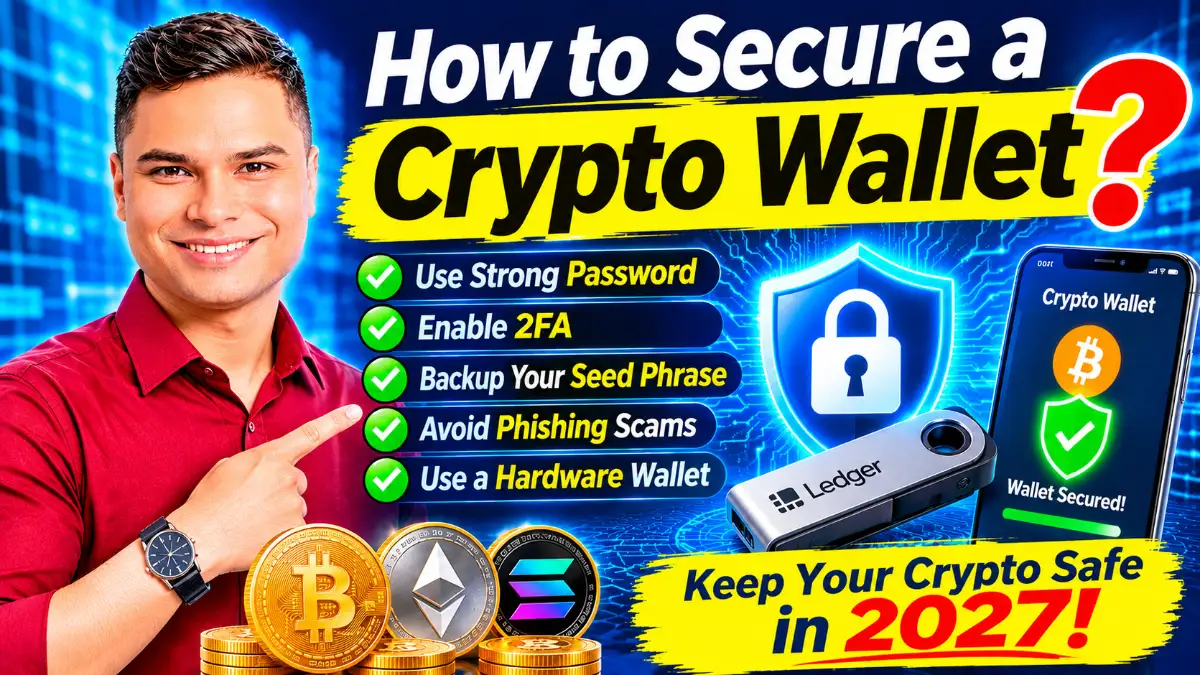
- Understand who manages your wallet access. Before using a wallet or exchange, check whether it is self-custody or custodial and how account or wallet recovery works.
- Find the official wallet source independently. Check the wallet provider’s verified website or app-store listing and confirm the publisher. A search result, advertisement, logo, or social media post does not by itself prove that an app or website is genuine.
- Use a unique password for each online account. Reusing a password can allow a breach on one service to affect another. A reputable password manager may help organise unique passwords and protect its master account as well.
- Secure the email account linked to your crypto accounts. Use a unique password, review its recovery options, and enable suitable sign-in protection. Email may be involved in account recovery, so it is part of the security picture.
- Enable available multi-factor authentication. Review the methods offered by the provider. Where supported, a passkey or security key may be an option; an authenticator app may also be available. SMS codes can have additional account-takeover risks, so check the provider’s guidance and choose an option you can manage securely.
- Review account sessions and security settings. For custodial accounts, check active sessions, account recovery details, withdrawal controls, and address allowlists if the service offers them. Features vary between providers.
Devices and Recovery
- Use an access lock on devices. Set a suitable phone or computer passcode. Avoid entering wallet credentials on shared or untrusted devices.
- Keep supported software updated. Install operating-system and wallet updates through verified channels. For a dedicated wallet device, follow the manufacturer’s instructions before updating it.
- Review apps, browser extensions, and remote-access tools. Avoid installing unknown wallet software or unnecessary extensions, and be cautious if a stranger asks you to install a tool or share your screen.
- Keep recovery phrases and private keys private. Do not send them in a message, email, social media chat, or support conversation. A recovery process you start yourself may involve entering a phrase into a verified wallet; independently confirm the app and instructions first.
- Understand how your wallet backup works. For a seed-based wallet, an ordinary screenshot, photo, message, or cloud note can expose the phrase through synced devices, backups, malware, or account access. Follow the wallet provider’s recovery guidance and consider physical loss and damage too.
Websites, Transactions, and Privacy
- Do not trust an unsolicited wallet link. Check the website address through an independently trusted source or bookmark. Treat a page asking for a recovery phrase to "verify", "synchronise", or “unlock” a wallet as a serious warning sign.
- Check the destination, asset, and network before sending. Confirm that the receiving wallet or service supports the asset on the network you selected. Similar token names do not necessarily mean networks are interchangeable.
- Review the amount and fee before confirming. Check the details shown in the wallet. If you use a separate signing device, review the details it displays too.
- Read wallet signatures and approval requests. A wallet connection and a transaction signature are different actions. Review each request, and do not sign one you cannot understand or that does not match what you intended to do.
- Review permissions for connected applications. Some smart-contract actions request permission to move tokens. Check the site, network, and permission shown by your wallet. If you no longer need an approval, use the wallet’s documented process or another independently verified tool to review it.
- Think about privacy before sharing wallet details. Public addresses and blockchain activity may reveal information about your transactions. Be cautious about posting balances, linking an address to your real-world identity, or sharing screenshots that show private information.
Scam Awareness and Preparation
- Pause when someone creates urgency. Unexpected messages about account problems, limited-time rewards, guaranteed returns, or urgent wallet upgrades deserve independent verification. Do not rely on contact details supplied only in the message.
- Know what you will do if something seems wrong. Find the provider’s official support channel independently. If you suspect a wallet or account is compromised, stop interacting with suspicious prompts and consult verified instructions before taking an irreversible action.
A Simple Transaction Safety Routine
Blockchain transactions may be difficult or impossible to reverse after confirmation. Before you send assets or approve a wallet request, take a moment to review what you are authorising.
- Get the destination from a trusted source. Do not assume that an address in a recent message, email, QR code, or transaction history is the correct one.
- Check the address shown by the wallet. Some scams use look-alike addresses. Where practical, compare the full destination with the trusted address rather than checking only a few characters.
- Confirm the network and receiving service. Make sure the destination supports the selected network. Sending an asset on an unsupported network may make recovery difficult.
- Review the amount and transaction fee. Confirm that the values shown match your intention. Fees and transaction details vary by network.
- Read signature and approval prompts. A request may authorise an action beyond simply connecting a wallet. If you cannot understand what it asks you to approve, stop and consult the wallet’s documentation.
- Consider a test transaction only when appropriate. A test may help identify some address or network mistakes, but it does not prove that the recipient or request is legitimate. Fees, minimums, and other risks may apply.
A hardware wallet may display transaction information for review, but it cannot decide whether the request is honest. Check what the device shows and compare it with what you intended to do.
Scam and Phishing Warning Signs
Crypto scams can imitate wallet companies, exchanges, project teams, friends, or support staff. A professional-looking message or website does not prove that the sender is genuine.
- “Support” asks for your recovery phrase or private key. Do not disclose it. Find the provider’s support channel independently.
- A website asks you to enter a phrase to verify or synchronise your wallet. Do not enter a recovery phrase into a website reached through an unsolicited link.
- A stranger offers remote access or screen-sharing help. Do not install an unfamiliar remote-access tool or reveal your wallet screen because someone claims there is an urgent problem.
- A message promises guaranteed returns or a giveaway. Be cautious of requests to send cryptocurrency first, pay an advance fee, or act immediately.
- An unfamiliar token or airdrop includes a link or instructions. Do not follow embedded directions without independently checking the project, website, and wallet request.
- A person claims they can guarantee recovery of lost funds. Be cautious of unsolicited recovery services that ask for an upfront fee, wallet access, or sensitive information.
- A wallet download appears in an unexpected advertisement or message. Verify the official website and app publisher before installing software.
If something feels rushed, pause. Look up the organization’s official contact details yourself, and do not use a link or phone number supplied only by the person you are checking.
What to Do If Something May Be Compromised
The response depends on what may have been exposed: a recovery phrase, private key, device, custodial account, password, or transaction approval. Do not rush into instructions from a stranger who contacts you after an incident.
- Stop using suspicious links and prompts. Do not enter your recovery phrase into a website or tool that claims to check whether the phrase is safe.
- If a recovery phrase or private key may have been exposed, treat it as compromised. A wallet PIN or app password does not make an exposed self-custody key secret again.
- Use verified information and a trusted device. Find the wallet’s official instructions independently. If you are unsure what was exposed or how to respond, seek qualified help through a source you have verified. Never share your recovery phrase with that person.
- Be cautious before transferring remaining assets. A transfer may be irreversible. If you decide to create a new wallet and move assets, confirm the wallet source, recovery setup, destination, and network. If you are uncertain, pause for appropriate help.
- If a custodial account may be affected, secure the account and linked email. Use the provider’s official app or a website you locate independently to review sessions, update credentials, enable available protections, and contact support.
- Record relevant details without recording secrets. If appropriate, keep dates, public addresses, transaction IDs, and suspicious website details. Do not include passwords, private keys, or recovery phrases.
- Be wary of guaranteed recovery claims. Confirmed blockchain transactions may not be reversible by a wallet provider. Treat requests for advance payment or wallet access with caution.
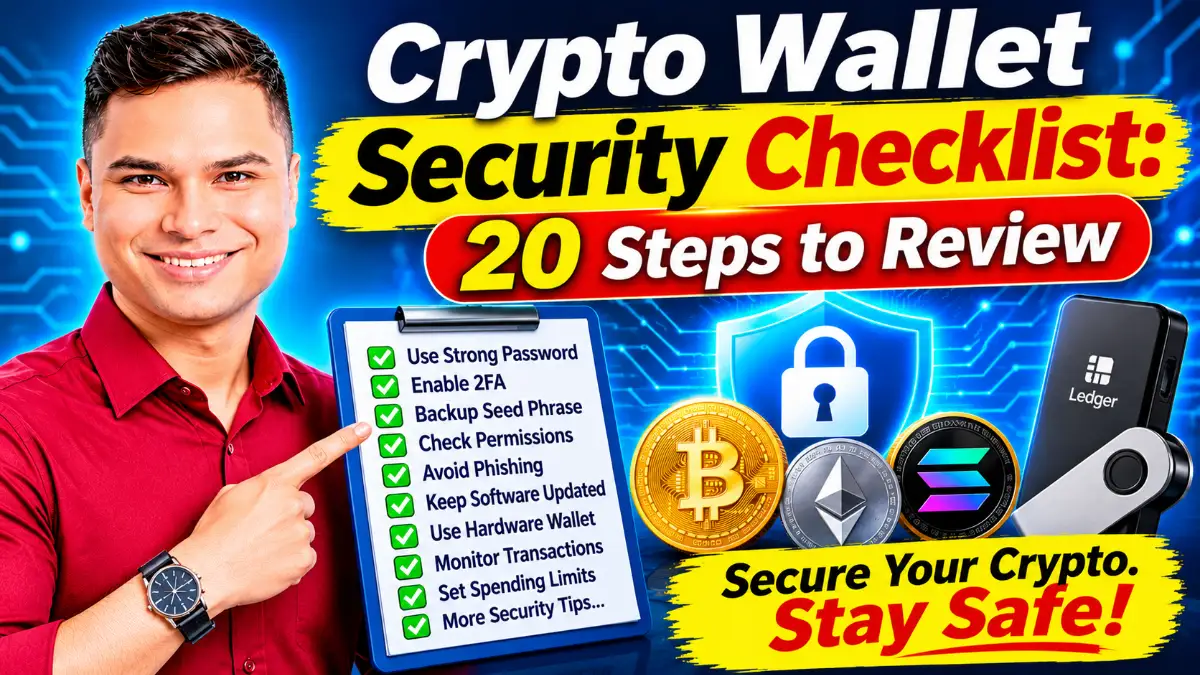
Quick Crypto Security Checklist for Beginners
- Know whether your wallet is self-custody or custodial.
- Find wallet apps and websites through verified sources.
- Use unique passwords for online accounts.
- Protect the email account connected to your crypto services.
- Enable appropriate account protections where available.
- Keep supported devices and wallet software updated.
- Never send your recovery phrase or private key to another person.
- Understand the wallet’s recovery instructions before you need them.
- Check the destination, asset, network, amount, and fee before sending.
- Read wallet signatures and approval requests before confirming.
- Verify websites and support contacts independently.
- Know what steps you would take if an account, device, or wallet may be compromised.
Frequently Asked Questions About Crypto Security
What is the first crypto security step a beginner should take?
Start by understanding whether your wallet is self-custody or custodial and how access is recovered. Then check the wallet’s official setup instructions and protect the email, device, and accounts connected to it.
Is it safe to share a public wallet address?
A public address is generally used to receive assets, but activity linked to it may be visible on public blockchains. Sharing an address can affect privacy. Never confuse an address with a private key or recovery phrase.
Should beginners use a hardware wallet?
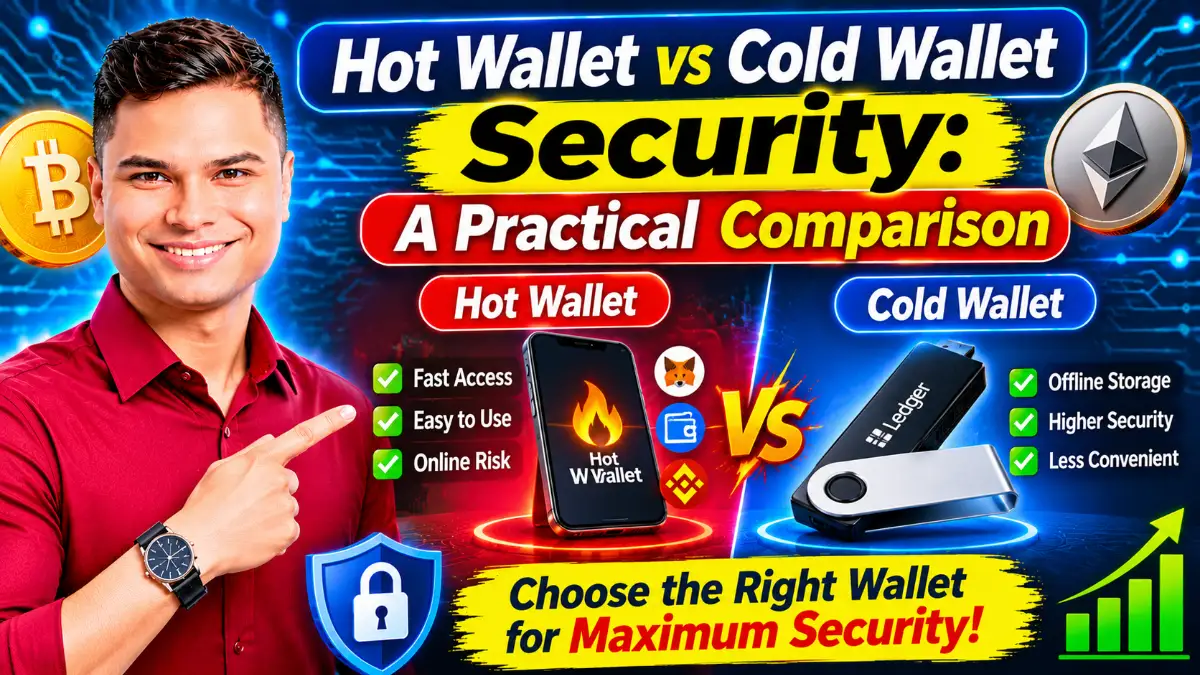
Wallet choice depends on your needs, experience, recovery plan, and the product’s design. A hardware wallet may help separate signing keys from a general-purpose device in common setups, but it does not prevent every scam or unsafe approval. Review the manufacturer’s instructions before choosing or using one.
Should I save my recovery phrase in a photo or cloud note?
An ordinary photo, message, or cloud note may be exposed through synced devices, account access, or malware. Check your wallet’s official backup guidance and consider both digital exposure and physical loss or damage.
Can a small test transfer prove a transaction is safe?
No. A test transfer may help identify some address or network mistakes, but it does not prove that the recipient or payment request is genuine. Verify the destination independently before any transfer.
What should I do if someone asks for my recovery phrase?
Do not send or disclose it. Stop the conversation and find the wallet provider’s official support information independently. If you need to restore your own wallet, confirm the app and use its official recovery instructions.
Interactive Crypto Security Planner for Beginners
Mark the topics you have reviewed, then show the unchecked items. This planner is a reminder, not a security audit, wallet recommendation, or guarantee of safety.
The planner does not save or submit your selections. They may reset when the page is reloaded.
Printable 10-Section Crypto Security Planning Workbook
The workbook is included on this page; it is not a separately hosted PDF. Open the print dialog and choose Save as PDF if your browser offers that option.
Preview the 10 workbook sections
Crypto Security Workbook · Section 1
Wallet Model and Purpose
Is the wallet self-custody or custodial, and what will you use it for?
Who manages access and recovery? Do not record any secret here.
Crypto Security Workbook · Section 2
Official Sources and Networks
How will you independently verify the wallet or service source?
Which assets and networks do you need to understand?
Crypto Security Workbook · Section 3
Passwords and Account Access
Which accounts need unique passwords or a security-setting review?
Which account protections are available from the provider?
Crypto Security Workbook · Section 4
Linked Email and Recovery
Which email or account-recovery settings should you review?
Where can you find official recovery instructions? Do not record credentials.
Crypto Security Workbook · Section 5
Device and Software Review
Which devices, wallet apps, or browser extensions do you use?
Which updates or device access settings should be reviewed?
Crypto Security Workbook · Section 6
Recovery and Backup Planning
What recovery method does the wallet use? Do not write the phrase or key here.
What loss, damage, or unauthorized-access risks should the backup plan consider?
Crypto Security Workbook · Section 7
Transaction Checks
How will you check the recipient, asset, network, amount, and fee?
What will you do if a transaction request does not make sense?
Crypto Security Workbook · Section 8
Wallet Connections and Approvals
How will you check a website before connecting a wallet?
How will you review permissions you no longer need?
Crypto Security Workbook · Section 9
Scam Awareness and Privacy
Which requests or messages would make you stop and verify independently?
What wallet details should you avoid sharing publicly?
Crypto Security Workbook · Section 10
Incident Plan and Review Schedule
Where can you find official support if an account or wallet may be compromised?
List one next action and a review date. Do not write credentials or recovery details.
Official Documentation and Further Reading
Wallet features, account controls, and recovery processes vary. Use current guidance from the provider and network relevant to your setup.
- CISA: Secure Our World — general guidance on online and account security.
- Ethereum.org: Wallets — information about wallet types and wallet use.
- Bitcoin.org: Secure Your Wallet — security considerations for Bitcoin wallets.
- Federal Trade Commission: Cryptocurrency and Scams — consumer information about cryptocurrency-related scams.
- MetaMask Support — official support and safety information for MetaMask users.
- Trezor Learn — educational resources from a hardware-wallet manufacturer.
Disclaimer: This article is general educational information, not financial, investment, legal, tax, or personalized security advice. Cryptocurrency, wallet, and blockchain features vary. Transactions may be difficult or impossible to reverse, and no security practice guarantees protection from loss. Verify instructions using the official documentation for your wallet, account provider, and network before taking action.

```