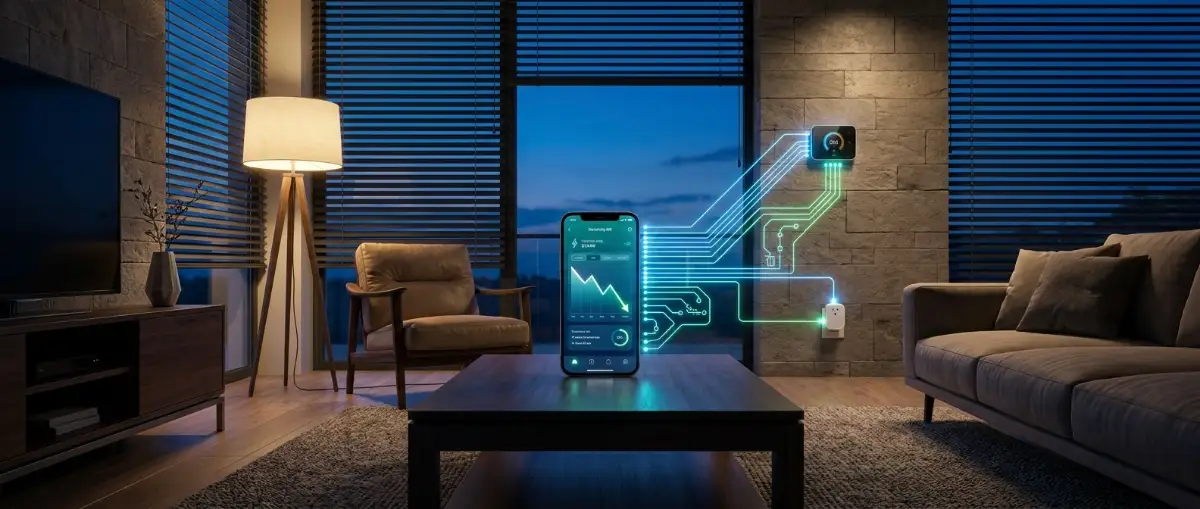
Automate Your Smart Home to Slash Energy Bills
If you are still yelling at a smart speaker to turn off your bedroom lamp, you didn't build a smart home—you just bought an expensive voice remote. My power company sent me an eye-watering bill two winters ago that made me realise my "smart" gadgets were running constantly in empty rooms.
True automation is completely silent: it spots energy leaks, dials down heating when you drive away, and trims your bills without you touching an app.
By linking affordable sensors, smart plugs, and connected thermostats together, you can force your house to make smart energy decisions on its own.
Here is the exact, step-by-step blueprint to automate your living space, eliminate electrical waste, and slash your monthly utility bills.
Table of Contents
- The Illusion of the Voice Remote: Why Most Smart Homes Waste Power
- The 4 Core Energy Automations That Deliver Immediate Payback
- Manual vs. Automated Smart Home Energy Comparison
- Capitalising on Dynamic Time-of-Use Energy Tariffs
- Regional Differences: US, UK, and European Heating & Wiring
- Common Smart Home Setup Mistakes That Increase Bills
- What Can You Do With This Information?
- Your Next Step
- Frequently Asked Questions
- Summary: Putting Your Energy Savings on Autopilot
Your Smart Energy Quick-Start:
- Ditch Manual Voice Toggles: Set up geofencing on your thermostat so heating drops automatically when you leave the house.
- Kill Overnight Standby Power: Put your TV and desktop setups on scheduled smart plugs to save $50+ a year.
- Automate Passive Solar Heat: Program motorised blinds to open during sunny winter mornings and close during hot summer afternoons.
- Zone Your Heating: If you live in the UK or Europe, install smart radiator valves (TRVs) to stop heating empty bedrooms all day.
The Illusion of the Voice Remote: Why Most Smart Homes Waste Power
To cut your utility bills, you first have to stop treating smart gadgets like novelties and start treating them like an interconnected efficiency grid.
The Difference Between Remote Control and True Automation
- Remote Control: You pull out a smartphone, open an app, and tap a button to turn down your heater before leaving for work. If you forget to open the app, the heater runs for eight hours in an empty house.
- True Automation: You walk out the front door. Your phone leaves an invisible boundary around your neighbourhood, and your smart thermostat drops into energy-saving mode automatically. You never touched an app or thought about the heater.
Real automation takes human error out of the equation.
Where Household Energy Actually Disappears
To make a noticeable dent in your monthly bill, you must target the systems that consume the most electricity and gas.
To ensure your devices communicate seamlessly on a single screen rather than dozens of vendor apps, read our foundational guide on how to build a unified smart home ecosystem without app clutter.
The 4 Core Energy Automations That Deliver Immediate Payback
You do not need hundreds of devices to see measurable results. These four foundational automations deliver the highest return on investment for any household.
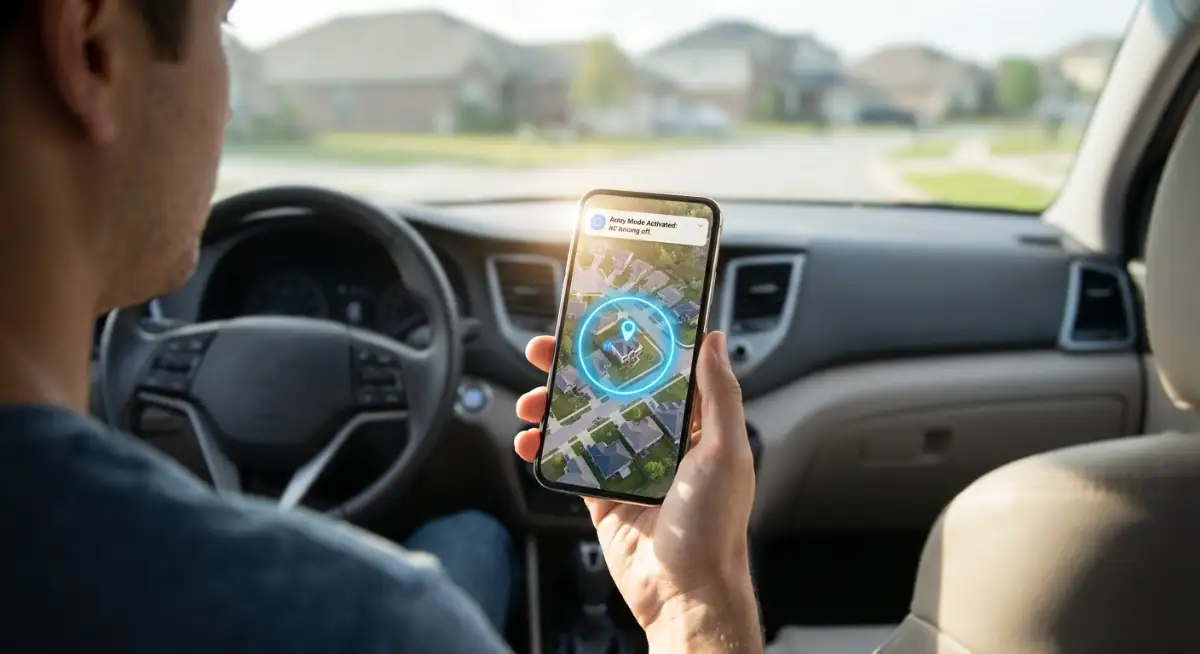
1. Climate Control: Geofencing and Zoned Temperature Setbacks
Heating and air conditioning account for nearly half of your utility statement. Running your climate system at full blast while you sit in an office or sleep under a heavy duvet is throwing money away.
Geofencing solves this problem by using the location of your smartphone. When your phone crosses a preset radius (e.g., 2 miles from your home), your thermostat switches to an "Away" profile. In winter, it allows the house to cool down to 62°F (16°C). When you travel back into the radius, the system resumes your comfortable 68°F (20°C) target so the home feels warm the moment you unlock the door.
- The Rule of Thumb: Every 1°F (or 0.5°C) you lower your thermostat over an 8-hour period cuts your heating bill by approximately 1% [1].
- The Smart Routine: Combine geofencing with a scheduled night setback. Set your system to drop temperature 30 minutes before your usual bedtime and climb back up 15 minutes before your morning alarm.
The "No-Sweat" Thermostat Rule (Safe Setbacks):
- Winter Target: 68°F (20°C) when home, dropping to 62°F (16°C) while sleeping or away.
- Summer Target: 76°F (24°C) when home, rising to 82°F (28°C) while away.
- Heads Up for Heat Pumps: Never drop your heat pump thermostat more than 3°F (1.5°C) at once, or it will trigger expensive auxiliary electric heat strips that spike your bill.
2. Slaying Vampire Loads: Automated Smart Plug Cutoffs
Modern home electronics—televisions, game consoles, audio soundbars, microwave clocks, and laptop docks—enter a low-power standby mode when you hit the power button.
This standby state, known as phantom load or vampire draw, constantly pulls a slow current of electricity 24 hours a day, accounting for up to 10% of your monthly electric bill.
By connecting your entertainment centre and home office gear to switchable smart plugs, you can physically sever the connection when equipment is not in use.
- The Automation Trigger: Build an automated rule inside your hub: "At 11:30 PM, turn off the entertainment centre smart strip. At 7:00 AM, restore power."
- The Result: You stop paying for 7.5 hours of continuous standby power every night.
Top 3 Vampire Appliances to Kill First:
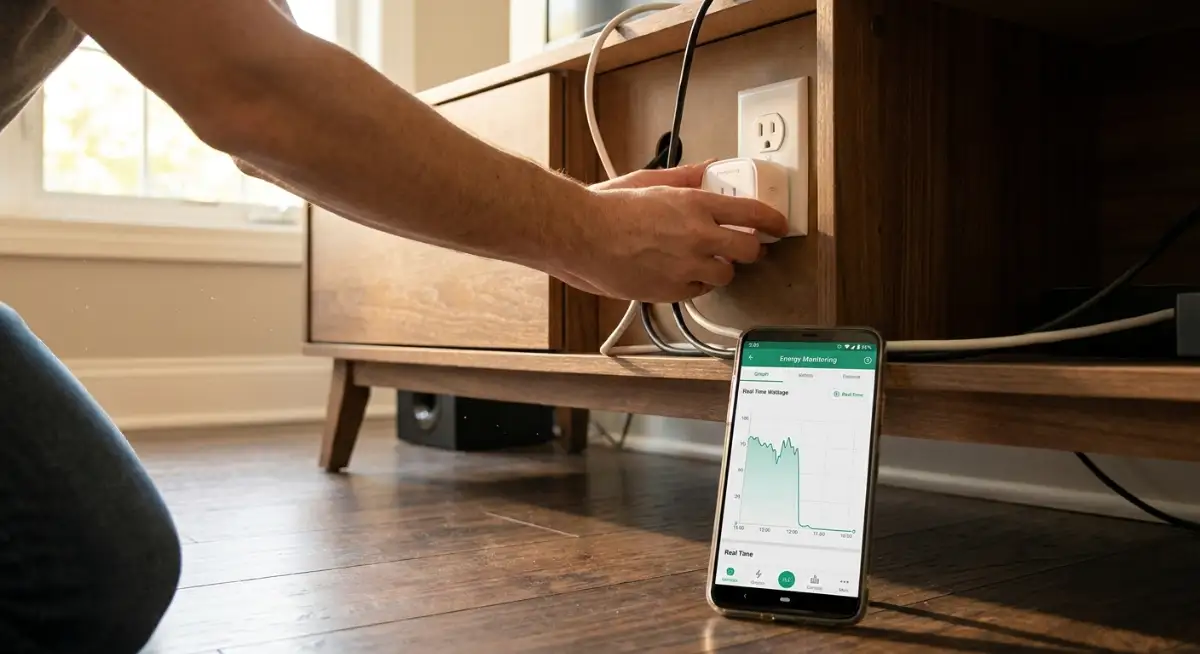
Insider Insight on Energy Monitoring Plugs: Buy smart plugs that feature built-in power monitoring chips. These plugs report real-time wattage directly to your phone, showing you exactly which appliances pull power in standby mode so you can automate them first.
3. Lighting Automation: Moving from Switches to Presence Sensors
Smart bulbs are fun, but opening an app to toggle them is annoying. The most efficient way to manage home lighting is to remove human interaction entirely.
Pair your lights with inexpensive PIR (Passive Infrared) motion sensors or mmWave presence sensors in transitory spaces: hallways, laundry rooms, bathrooms, and garages.
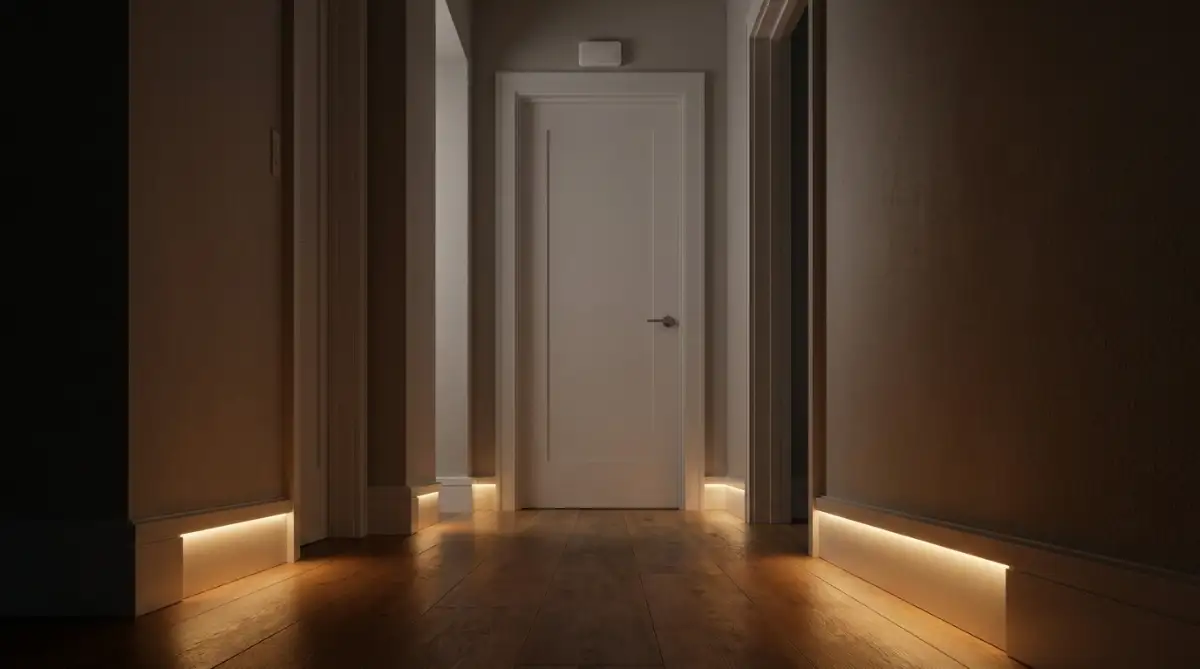
- The Presence Automation: "If motion is detected, turn the lights on to 80%. If no motion is detected for 4 consecutive minutes, turn the lights off."
- The Nighttime Mode: "Between 11:00 PM and 6:00 AM, if motion is detected in the hallway, turn on the light at only 10% brightness."
This setup ensures lights never burn in empty rooms for hours while providing comfortable, low-glare guidance during midnight trips to the kitchen.
4. Solar Shading: Motorised Blinds and Passive Thermal Buffering
Windows are thermal holes in your home's insulation envelope. In the summer, solar radiation baking through clear glass turns your living room into a greenhouse. In winter, thin glass radiates indoor warmth out into the cold air.
Automating your window coverings turns them into active climate regulators:
- Summer Cooling Routine: Set smart blinds on east- and south-facing windows to close automatically whenever outdoor temperatures exceed 75°F (24°C) or when your weather service detects direct sunlight. This blocks passive heat gain and cuts air conditioning runtimes by up to 20%.
- Winter Heating Routine: Program your blinds to open fully during sunny daylight hours to capture free solar heating, then snap shut the moment the sun dips below the horizon to trap the warm air inside.
For broader household waste-reduction habits that keep money in your pocket, explore our practical guide on the realistic sustainable living guide that saves money.
Manual vs. Automated Smart Home Energy Comparison
Capitalising on Dynamic Time-of-Use Energy Tariffs
Energy companies do not produce power at a uniform cost throughout the day. When everyone comes home from work, cooks dinner, and turns on their air conditioning, electricity demand spikes, driving wholesale prices skyward.
To balance the grid, utility providers in the US, UK, and Europe increasingly offer Time-of-Use (TOU) tariffs [3].
How Peak and Off-Peak Electricity Pricing Works
- Peak Windows (e.g., 4:00 PM – 9:00 PM): Power can cost up to triple the standard rate.
- Off-Peak Windows (e.g., 11:00 PM – 6:00 AM): Power drops to a fraction of the daytime price. In regions with high wind and solar generation, rates can occasionally drop to zero or negative pricing.
Automating Heavy Appliances for Overnight Power Windows
You should never run your electric dryer, dishwasher, or EV charger during peak afternoon hours.
By linking smart plugs or native appliance integrations to your smart home platform, you can automate heavy loads to trigger only when energy rates are at their absolute cheapest.
- The Smart Dishwasher Routine: Load the machine after dinner, but let your smart plug delay the start cycle until 1:30 AM when off-peak rates take effect.
- Pre-Cooling or Pre-Heating: Program your smart thermostat to drop your home's temperature two degrees cooler than normal right before peak pricing begins (e.g., at 3:00 PM), then dial back the system during the expensive 4:00 PM to 8:00 PM window. The thermal mass of your home will keep you comfortable without running the compressor at peak rates.
To learn how frugal, disciplined habits accelerate financial independence, see our guide on how to build wealth in silence.
Regional Differences: US, UK, and European Heating & Wiring
A smart energy automation that works seamlessly in a modern American suburban house might fail in an older British terraced home or a German apartment. Understanding your physical infrastructure is essential before purchasing hardware.
United States: Central Forced-Air HVAC and Smart Thermostats
- The Setup: Most US properties use a central air handler that pushes conditioned air through sheet metal ducts, controlled by a single low-voltage wall thermostat.
- The Strategy: Installing a smart thermostat (such as an Ecobee or Nest) is straightforward. To maximise savings, add wireless remote room sensors in bedrooms to ensure the system does not overcool an empty living room at night. Always confirm your wall thermostat has a dedicated C-wire (common wire) to provide continuous 24V power.
United Kingdom: Hydronic Radiators, Smart TRVs, and Ofgem Caps
- The Setup: British homes predominantly use a central gas combi-boiler that circulates hot water through wall-mounted steel or cast-iron radiators.
- The Strategy: A single central wall thermostat cannot properly zone a multi-storey home. The best energy-saving upgrade is installing Smart Thermostatic Radiator Valves (Smart TRVs) on every radiator [2].
- The Automation: You can schedule individual rooms independently: heat the home office to 68°F (20°C) during work hours while leaving the bedrooms at a cool 59°F (15°C) until 8:00 PM. This zoning prevents heating empty rooms and provides immediate relief against high Ofgem price caps.
Europe: Heat Pumps, OpenTherm Protocols, and Zoned Water Heating
- The Setup: Modern European homes frequently run on modulating hydronic heat pumps or district heating systems with underfloor pipes.
- The Strategy: Heat pumps are most efficient when they run at steady, low temperatures over long periods rather than turning on and off aggressively. Look for smart thermostats that support the OpenTherm communication protocol, which allows the controller to tell the heat pump exactly what water temperature to generate rather than using crude on/off relays.
Common Smart Home Setup Mistakes That Increase Bills
- Flooding Your Home with Cheap Wi-Fi Accessories: Buying 40 standalone Wi-Fi plugs and bulbs introduces significant standby energy consumption. Each Wi-Fi chip draws 1 to 2 watts continuously just to maintain its network connection. Use low-power Zigbee or Thread accessories instead, which draw a fraction of that power.
- Dropping Heat Pump Temperatures Too Low: While setting a gas furnace back by 8°F saves fuel, doing the same to an electric heat pump can backfire. If the recovery temperature jump is too steep, the heat pump will engage its backup electric resistance heat strips, which pull three times more electricity. Keep heat pump setbacks to a gentle 2°F to 3°F (1°C to 1.5°C).
- Ignoring Competing Cloud Schedules: If your manufacturer's proprietary mobile app is set to heat the house at 6:00 AM, but your Apple Home app is set to heat it at 7:30 AM, your system will cycle erratically. Always clear out vendor app schedules and manage your logic in one central platform.
What Can You Do With This Information?
For Homeowners and Families
- Set up a geofencing boundary on your smart thermostat this weekend so your HVAC never runs in an empty house.
- Connect your main television, gaming console, and soundbar setup to a single switched smart power strip.
- Lower your water heater tank temperature to 120°F (49°C), which saves energy while preventing accidental scalding.
- Inspect plumbing fixtures and install inexpensive low-flow aerators on bathroom and kitchen faucets.
For Renters and Apartment Dwellers
- Avoid touching wall switches; place simple plug-in motion sensors and smart plugs in hallways to automate lighting.
- Use draft stoppers on front doors and stick removable weatherstripping along rattling window sashes.
- Take your smart plugs and sensors with you when your lease ends; these automations require zero permanent alterations.
For Home Builders and Landlords
- Standardise on neutral wiring and deep electrical backboxes to simplify tenant smart switch installations.
- Install smart TRVs on central boiler radiators to give tenants independent room control without altering the main boiler loop.
- Provide smart thermostats with built-in occupancy sensors to reduce heating waste across vacant units.
Your Next Step
- Identify Your Worst Vampire Load: Walk through your home with a notepad. List every appliance with a digital clock, glowing standby light, or warm power adapter.
- Deploy Two Smart Plugs: Purchase a two-pack of energy-monitoring smart plugs. Install one in your living room entertainment centre and the other on your home office computing desk.
- Configure Your First Sleep Routine: Set those two smart plugs to cut power at midnight and wake up at 6:30 AM.
- Verify Your Thermostat Geofence: Open your climate app, enable location permissions, and set your "Away" temperature setback.
Frequently Asked Questions
How much money can smart home automation realistically save on energy bills?
A properly configured smart home typically saves between 12% and 25% on annual heating and cooling expenses and up to 10% on baseload electricity bills. For an average household spending $2,000 annually on combined utilities, these automations preserve between $250 and $500 every single year.
Do smart plugs and smart bulbs use electricity when they are turned off?
Yes. Smart accessories require a tiny amount of standby power (typically 0.3 to 1.5 watts) to keep their wireless radio listening for incoming network commands. However, the energy saved by shutting down a 25W television standby load or turning off a 60W lighting circuit far outweighs the negligible draw of the smart plug.
What is the difference between PIR motion sensors and mmWave presence sensors?
PIR (Passive Infrared) sensors detect physical heat in motion across their field of view. They work well for walking into rooms, but they turn off if you sit still on a couch. mmWave (millimetre-wave) radar sensors detect microscopic movements—like the rise and fall of your chest while breathing. Use mmWave sensors in offices and living rooms to prevent lights from turning off while you read or work.
What happens to my smart energy automations if the internet goes down?
If your ecosystem relies on local control hubs (such as Home Assistant, Apple Home over Thread, or local SmartThings routines), your schedules, motion sensors, and temperature triggers continue operating normally during an internet outage. Only remote mobile access outside the house and cloud-based voice commands will temporarily pause.
Summary: Putting Your Energy Savings on Autopilot
Saving money on home utilities should not feel like an exercise in deprivation. You should not have to sit in a freezing living room or fumble in the dark to keep your energy bills manageable.
By shifting from manual voice commands to true background automation—using geofencing for climate control, presence sensors for lighting, and smart plugs to sever phantom vampire draws—you turn your house into a responsive, highly efficient machine.
Your home stays comfortable when you are inside, cuts power automatically the second you walk out the door, and keeps hundreds of dollars in your bank account every single year.
Professional Safety and Electrical Disclaimer: The information provided in this guide is for educational and informational purposes only. Always turn off the main circuit breaker before inspecting, handling, or replacing mains-voltage wall switches, thermostats, or electrical wiring. If you are uncertain about electrical codes, common C-wires, or switch box depth in your jurisdiction, consult a certified licensed electrician.
Author BIO
Faisal Shahzaib is an elite digital tech strategist, SEO data analyst, and investigative researcher specialising in smart home automation, cybersecurity, and emerging technologies. He breaks down complex IoT networks and communication protocols into actionable, highly practical guides. Faisal helps readers globally optimise their living spaces, eliminate digital clutter, and build resilient, energy-efficient smart home ecosystems.
Sources & External References
- [1] US Department of Energy (DOE): Energy Saver Guide to Home Heating and Cooling Systems
- [2] Energy Saving Trust (UK): Thermostatic Radiator Valves and Heating Controls Guidance
- [3] UK Office of Gas and Electricity Markets (Ofgem): Understanding Energy Tariffs and Price Caps
- [4] Connectivity Standards Alliance (CSA): Matter 1.3 Energy Management Specification Overview