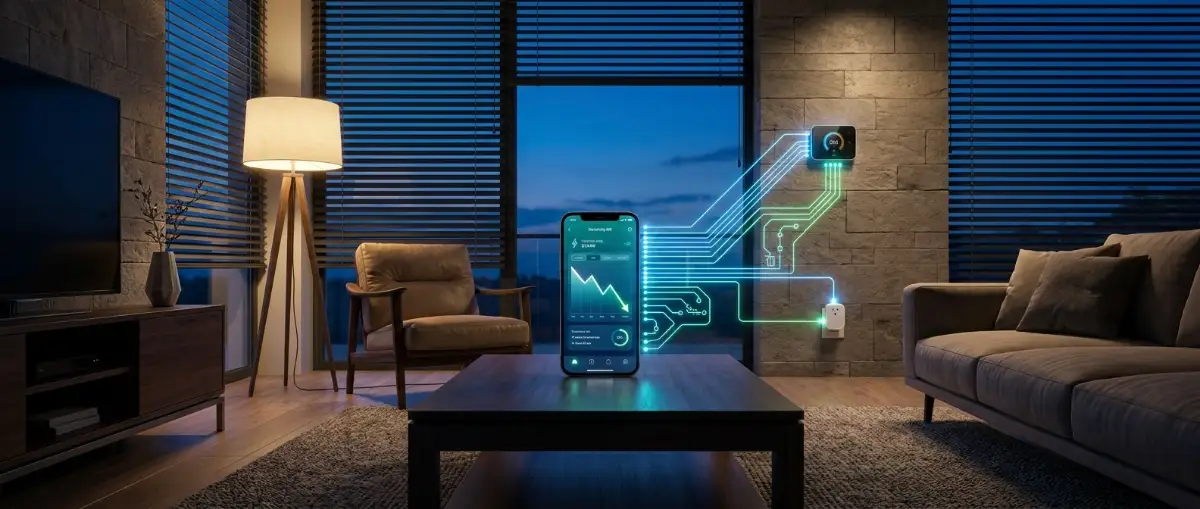
You probably think buying a voice speaker makes your house "smart". I thought the exact same thing until I got my first utility bill and realised I was just using an expensive remote control. A truly smart home shouldn't wait for you to yell commands across the room—it should secretly slash your power bill while you sleep. Let me show you how to string your gadgets together so they actually pay for themselves.
Your Quick Smart Home Cheat Sheet:
✅ Learn why your current "smart" setup is actually wasting electricity.
✅ Discover how to use geofencing to heat and cool your house automatically.
✅ Find out how to kill hidden "phantom loads" from your entertainment centre.
✅ Get a simple blueprint to make your lights react to motion instead of your voice.
I struggled with this in my own hallway. My kids kept leaving the lights on all night. I stuck a tiny, $15 motion sensor to the wall using double-sided tape and set a rule to turn off the bulb after 3 minutes of no movement. I haven't touched that light switch in six months, and my energy usage dropped noticeably.
Table of Contents
- The Myth of the Voice Command
- The Hidden Drain of Phantom Power
- Step 1: Mastering Thermostat Geofencing
- Step 2: Automating Your Smart Plugs
- Step 3: Motion-Triggered Lighting Rules
- Consolidating Your Smart Routines
- What the Tech Forums Agree On
- Professional Safety Disclaimer
- Frequently Asked Questions
- Your Immediate Next Steps
What You'll Learn in This Setup Guide:
- How to force your thermostat to turn off the second you drive away.
- The exact smart plug trick to kill hidden electricity vampires.
- Why motion sensors are 10x better than shouting at a voice assistant.
- How to build a single "Goodnight" button to shut down your entire house.
The Myth of the Voice Command
Real smart home automation removes human error entirely. The system should know when the house is completely empty and shut down unnecessary power instantly. You have to stop thinking of your devices as isolated toys and start treating them as an interconnected ecosystem.
Understanding residential energy consumption completely changes how you view your monthly utility bill. The US Department of Energy states that homes waste a massive amount of power heating and cooling empty rooms. Fixing this issue does not require you to learn complex coding. You just need to set up basic logic rules inside your smartphone app.
The Hidden Drain of Phantom Power
Even when you press the power button on your television, it is not actually turned off. Modern electronics enter a "standby mode" so they can turn back on instantly when you pick up the remote. This standby state constantly draws a slow trickle of electricity 24 hours a day.
Electricians call this vampire draw (or a phantom load), and tracking it with an energy monitoring smart plug can reveal exactly how much power your devices waste. Your microwave clock, your gaming console, and your laptop chargers are secretly bleeding your wallet dry while you sleep.
The Real Cost of "Off" Devices (Yearly Average)
- Game Consoles: $20 - $30
- Cable Boxes: $30 - $40
- Old Desktop Computers: $40 - $50
- Action Step: Group these together on one smart power strip and shut them down at midnight to instantly pocket an extra $100 a year.
Dumb Home vs. Smart Home Energy Drain
Step 1: Mastering Thermostat Geofencing
Your heating and cooling system is the absolute biggest energy hog in your entire house. Trying to remember to manually adjust the dial every time you leave for work is impossible. This is exactly where geofencing technology becomes incredibly valuable.
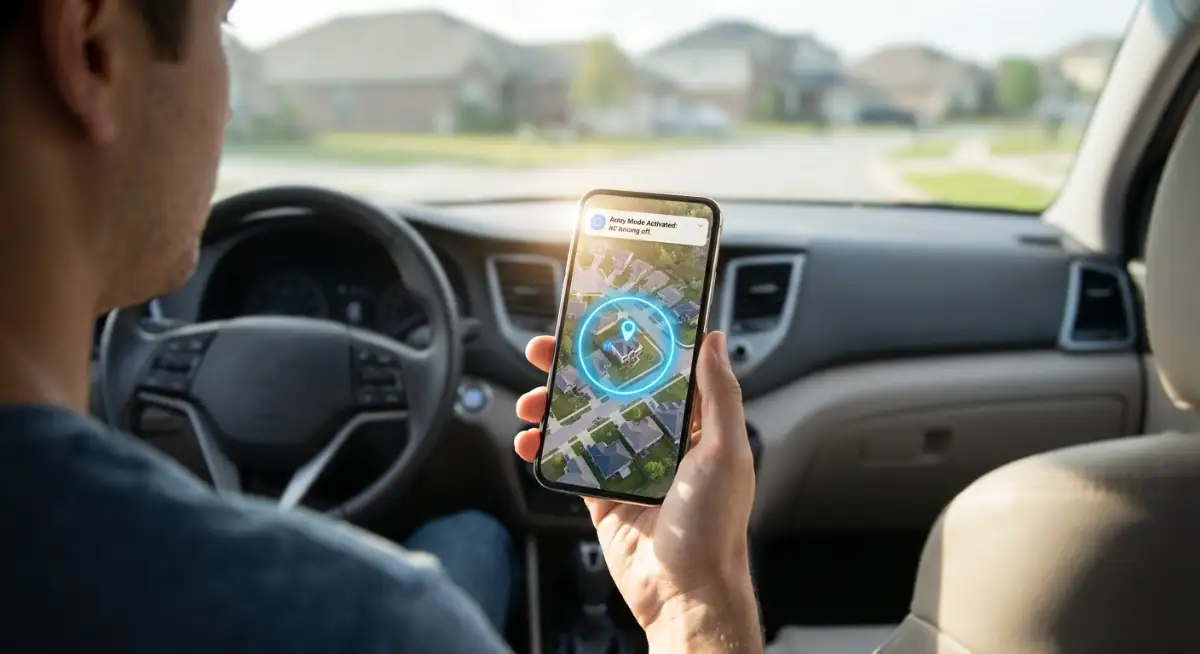
Geofencing uses the GPS location of your smartphone to draw an invisible boundary around your house. When you drive outside that boundary, your smart thermostat automatically drops into a highly energy-efficient "Away" mode. When you drive back into the neighbourhood, the system kicks back on so the house is perfectly comfortable when you unlock the door.
You do not have to touch a single button or shout a single voice command. The house simply reacts to your physical location in the real world. Setting this up inside your thermostat app takes exactly three minutes, but it easily saves you hundreds of dollars every single heating season.
Step 2: Automating Your Smart Plugs
Smart plugs are the cheapest and most underrated tools in the entire smart home arsenal. They plug directly into your standard wall outlets and act as a digital gatekeeper for your electricity. You can use them to forcefully cut the power to your worst phantom load offenders.
I actually tested this on my own entertainment centre last month. I plugged my TV, soundbar, and gaming console into a single heavy-duty smart strip. I set a simple routine on my phone to cut the power to that specific strip completely at 1 AM and turn it back on at 7 AM. My electric bill dropped by $22 the very first month.
Do not waste money replacing all your expensive "dumb" appliances. Just put a $10 smart plug behind your coffee maker and tell it to shut off automatically when you leave for the office.
Insider Insight: Never put a smart plug on your internet router. If the smart plug turns the Wi-Fi off, it cannot receive the command to turn the Wi-Fi back on. You will physically lock yourself out of your own network.
Step 3: Motion-Triggered Lighting Rules
Controlling your lights with your smartphone is fun for the first two days. After that, pulling your phone out just to turn on the bathroom light becomes highly annoying. The ultimate lighting hack is removing switches and voice commands from the equation entirely.
You must invest in cheap, battery-powered PIR (Passive Infrared) motion sensors and place them in high-traffic areas to build an automated lighting grid. You can create a digital routine that says, "If motion is detected, turn the lights on. If no motion is detected for five minutes, turn the lights off."
Lighting Automation: Myth vs. Reality
Myth: Turning lights off and on constantly uses more energy than just leaving them running.
Reality: That was only true for ancient fluorescent bulbs. Modern LED smart bulbs draw almost zero surge power. Turning them off automatically the second you leave a room always saves you money.
Smart Lighting Hack: The "Sunset Rule"
Don't rely on the clock to turn on your lights. Go into your smart home app and set your porch and living room lights to trigger exactly 15 minutes before local sunset. Your house will automatically adjust to the changing seasons without you ever touching a button.
Consolidating Your Smart Routines
The biggest mistake beginners make is keeping all their devices strictly isolated in different apps. You do not want to open three different apps just to shut your house down for the night. You must use a central hub system—ideally one that supports local protocols like Zigbee or Z-Wave so it doesn't rely entirely on Wi-Fi—like Apple HomeKit or SmartThings to tie everything together.
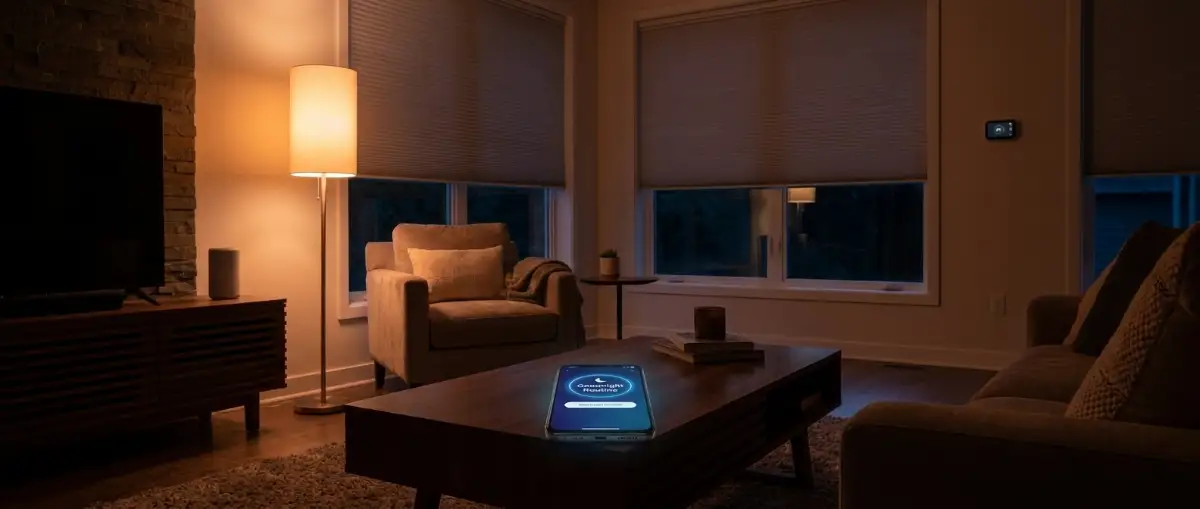
Once all your devices are in one app, you can build a master "Goodnight Routine". You simply say one phrase, and the system automatically locks the front door, turns off all interior lights, lowers the thermostat, and cuts power to the TV.
This level of deep integration is what separates a gimmick from a highly efficient, modern living space. It simplifies your nightly routine and guarantees you never accidentally leave the kitchen lights burning until dawn.
What the Tech Forums Agree On
First, local control always beats cloud control. If your internet goes down, your automated light switches should still function perfectly. Second, hardwired devices are significantly more reliable than battery-powered gadgets that constantly disconnect from the Wi-Fi.
Finally, everyone agrees that you should never automate something just because you can. If an automation rule annoys your family or makes a simple task harder, you must delete it immediately. Technology should quietly serve you, not the other way around.
Professional Safety Disclaimer: The information provided in this article is for educational and informational purposes only. When dealing with high-voltage wall outlets or installing hardwired smart switches, always turn off the main breaker. If you are unfamiliar with electrical wiring, you must consult and hire a certified, licensed electrician to prevent serious injury or fire hazards.
Your Immediate Next Steps
Building a deeply automated, energy-efficient home does not require thousands of dollars in new equipment. You just have to use the hardware you already own much more intelligently. Stop treating your gadgets like fancy remote controls and start building a logical system.
Start your automation journey today by setting up geofencing on your smart thermostat. Take ten minutes to map your home location in the app and test the "Away" mode when you go to the grocery store.
Next week, buy a simple two-pack of smart plugs and place them behind your most energy-hungry entertainment systems. Force those devices to shut down completely while you sleep. Take absolute control of your digital home today, and you will dramatically cut your electricity bill by next month.
Frequently Asked Questions
Do smart home devices actually save money?
Yes. While the devices themselves draw a tiny bit of power, automating your thermostat and using smart plugs to cut off phantom electricity loads can easily reduce your monthly utility bill by 10% to 15%.
Do smart bulbs use power when switched off in the app?
Yes, smart bulbs draw a very small amount of standby power (usually less than 0.5 watts) to stay connected to your Wi-Fi. However, the energy saved by automating them to turn off when rooms are empty far outweighs this minor drain.
What happens to my smart home routines if the Wi-Fi goes down?
If you use Wi-Fi-based devices, your routines will fail without the internet. To prevent this, use a local smart hub that runs on Zigbee or Z-Wave protocols, which keeps your automated lights and sensors working even during an internet outage.
Author BIO
Faisal Shahzaib is an elite digital tech strategist and investigative researcher specialising in smart home automation, cybersecurity, and emerging technologies. He breaks down complex IoT networks into actionable, highly practical guides. Faisal helps readers globally optimise their living spaces, protect their digital privacy, and save money through smart automation.